PI Perform Slack Assistant
What is PI Perform and how does it integrate with Slack?
PI Perform is a tool for running better meetings. You can create workspaces for each meeting and invite participants. Participants can create action items, assign other participants to them and add due dates.
The PI Perform Slack Assistant will notify you on Slack about any relevant change to one of your action items on PI Perform. For example, it will notify you if an incomplete action item is past due. These notifications include action buttons that let you modify the action item from Slack. For example you can mark the incomplete action item as completed.
How do I install the PI Perform Slack Assistant?
To install our Slack Assistant, you first need to create a PI Perform account here.
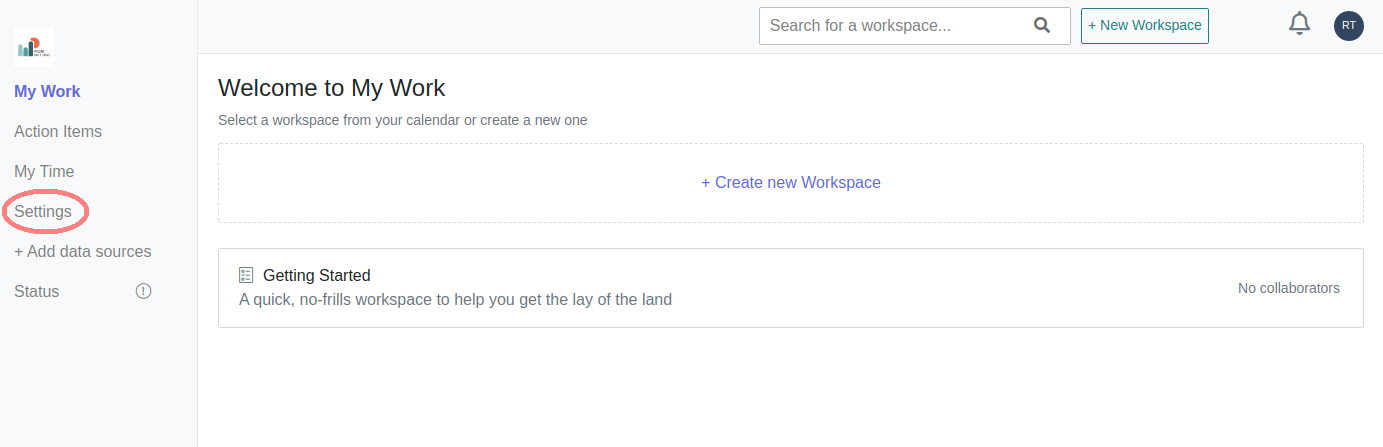
After you've created your account, we'll ask you to fill out some basic information about yourself such as your name and how you heard about PI Perform. After that, you'll be taken to a home screen that lists your workspaces. Click the Settings button on the side-bar.
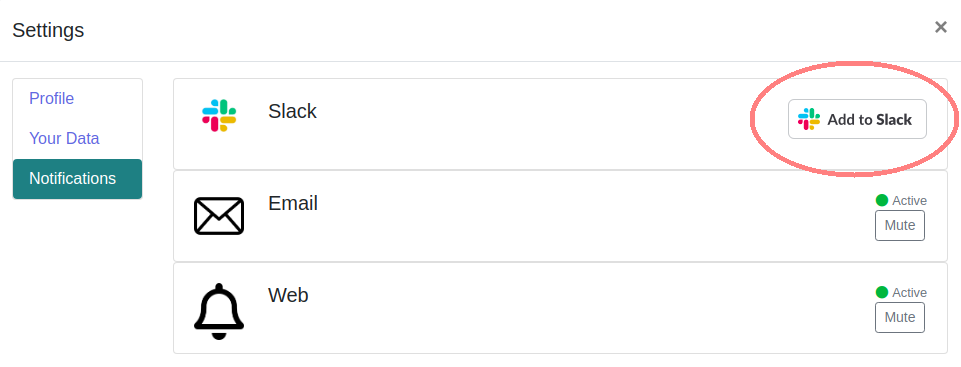
You should see a Settings modal. Click the Notifications button on the modal to bring up the notification settings.

Finally click the Add To Slack button.
How do I use the PI Perform Slack Assistant?
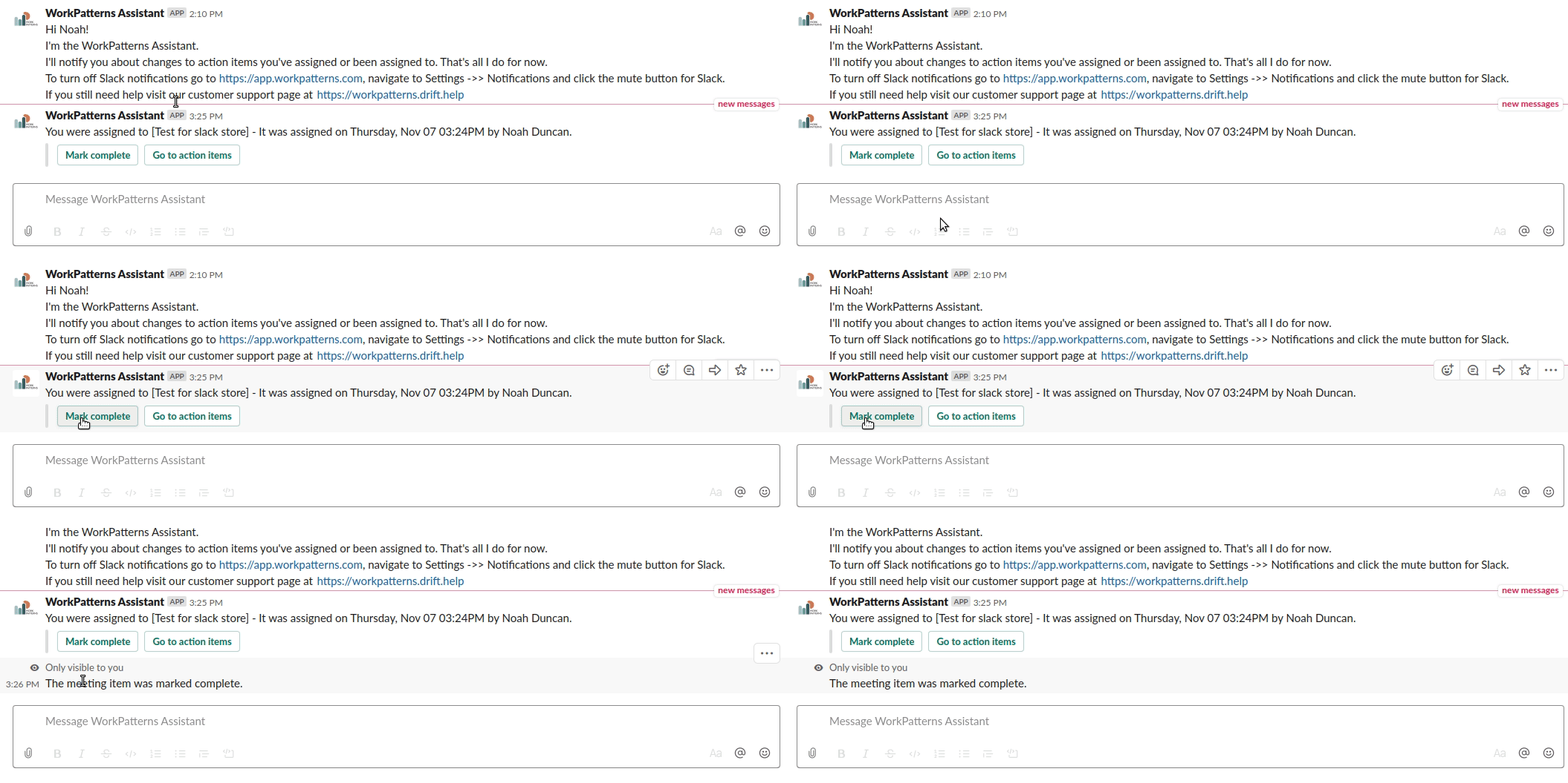
You interact with our Slack Assistant by receiving and responding to its notifications. You will be notified when you're an assigned action item, when an action item is past due or when an action item you assigned has been marked completed. You can respond to a notification about an action item by marking the item as complete from within Slack. Here is an example:
You can ask our bot for help by messaging it with the word 'help'. It will provide you with a brief explanation of its functionality and a link to our support page.